
Working with Katalis · 2 min
Anatomy of a Build: from first chat to live tool.
A Build is where something gets made for you — shaped and priced per job. Here's the entire process — and, since we don't invent case studies, the two real things we can point at while explaining it.
Working with Katalis · Updated 24 September 2026
Describe what you'd want built →
The two exhibits
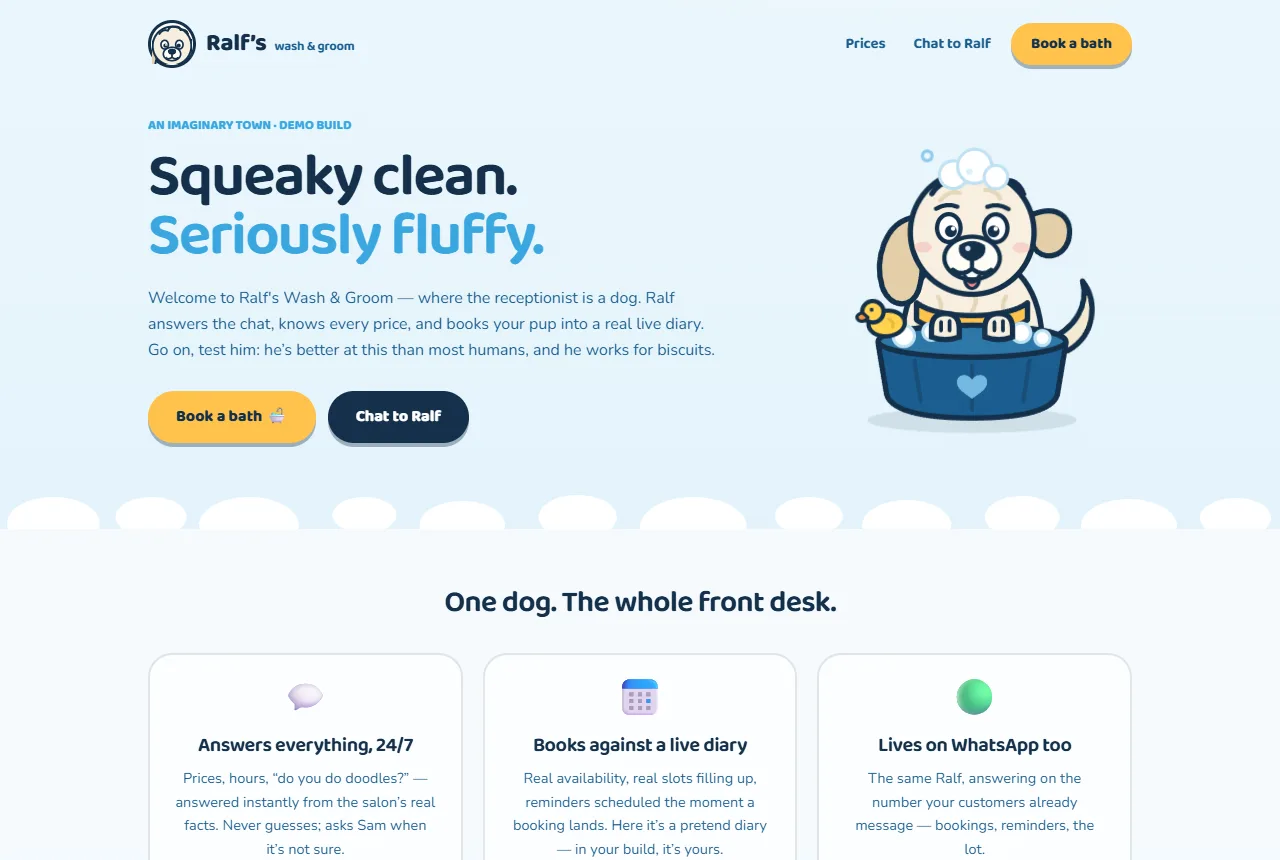
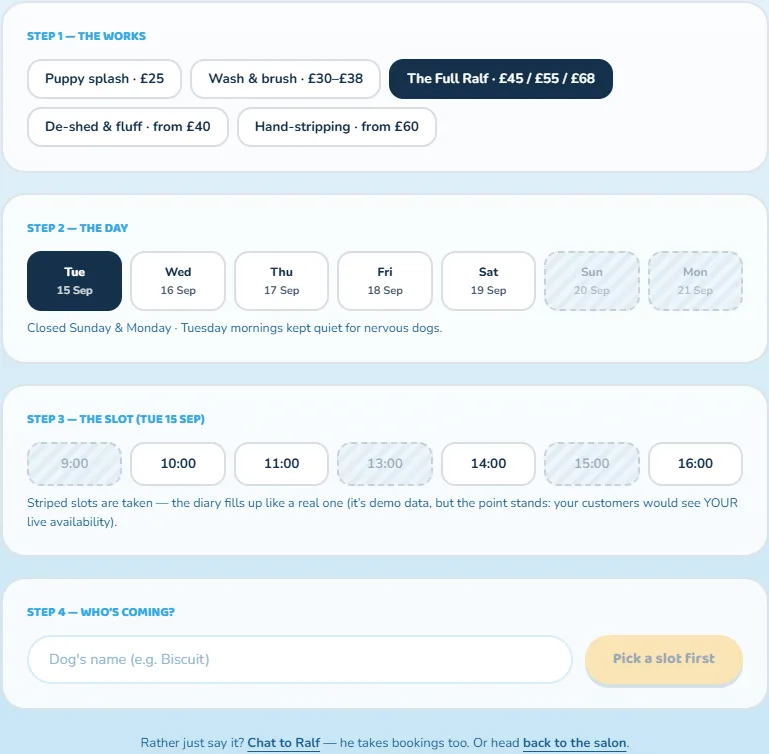
We don't create imaginary client projects. Instead, you can explore two real examples here. First, this website: an AI assistant based on a real business's prices and services, connected to live public data, and available 24/7. Second, the demo build for Ralf's, an imaginary dog groomer. Here, the chat is answered by a virtual dog, using a real price list and making pretend bookings in a live demo diary. This works just like a real salon setup. One example serves a real business, while the other lets you try out the system. Both went through the same process.
The stages
Define the job, narrowly. A build starts as one sentence
'answer our customers and take bookings', 'turn voice notes into quotes' — not a wish list. Narrow scope is what keeps a build affordable instead of letting it balloon.
Ground it. We gather the truth the tool must answer from
Prices, policies, services, the questions your customers actually ask. This is the step that separates an assistant that represents you from a chatbot that improvises about you.
Connect it. The tool gets wired to what you already use
The calendar, the website, the inbox — rather than making you migrate your life into ours. Depth of connection is the main thing that moves the price within the range.
Draw the approval lines. In plain English, together
What it may do alone (answer questions, take a booking) and what waits for your click (anything leaving the building with your name on it).
Test it against reality, then go live quietly
You and yours try to break it before customers can; when it holds, it ships — and degrades politely when it doesn't know something, handing humans to a human.
Then it's yours
With running costs (hosting and usage, proportional to how hard it works) spelled out in your quote, and support that keeps it accurate as your business changes, because a tool that drifts from the truth is worse than no tool.
What moves the price — and the honest exit
The cost depends on the scope, connection depth, and data sensitivity. This means whether it's one job or several, if it's standalone or deeply integrated, and how private the setup is. We give you a written quote after we understand your needs. You can ask in the chat for an honest estimate first.
If during the definition stage we find that a £200 automation, an off-the-shelf subscription, or nothing at all solves your problem, we'll tell you. We don't want to build something you don't need. That's the quickest way to lose your recommendation.
Free tool · runs right here
Free Business Score
See how your business looks online — findability, website health, reviews and more — with the few fixes worth doing first.
No sign-up · instant · it’s me that runs it — the same tool, live on this site.
Tell Katalis the job — she'll sketch what a build would involve for your business, with honest prices, before you've spent anything.
Describe what you'd want built →Prefer to just ask? Chat with Katalis · More from the blog